
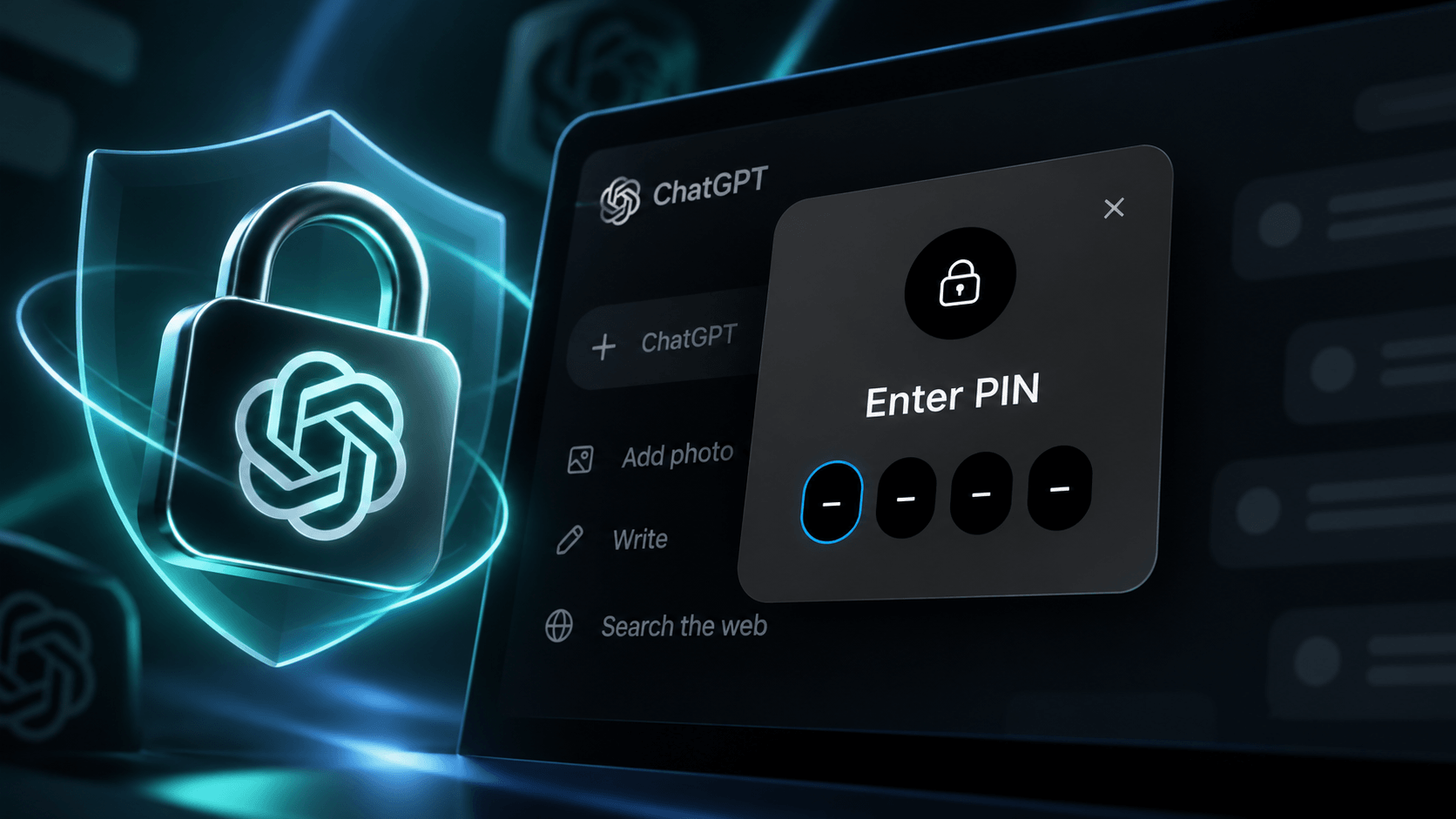
OpenAI has introduced a new privacy feature for ChatGPT that allows users to protect individual conversations with a four-digit PIN. The feature, called Locked Chats, is designed to prevent others from accessing sensitive conversations when using a shared device or viewing someone’s ChatGPT account.
Locked Chats was announced on 20 October 2026 and is gradually being rolled out to users with all major ChatGPT subscription plans, including the free version.
How Do Locked Chats Work?
Previously, ChatGPT users could archive conversations in order to remove them from their main chat history. However, these conversations could still be accessed without additional authentication.
The new Locked Chats feature goes a step further. Once a conversation is locked, it is moved to a dedicated section under Projects > Locked chats.
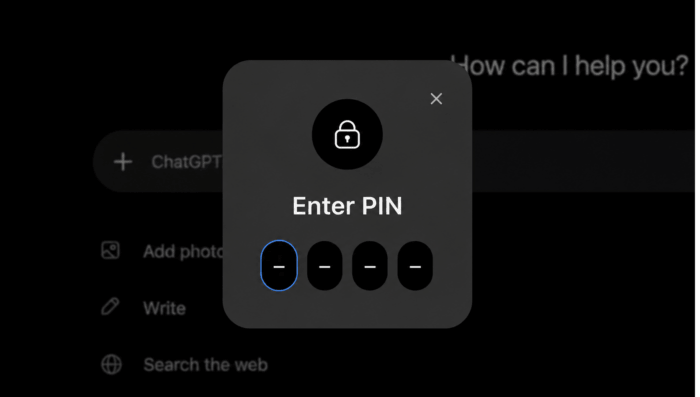
Locked conversations will no longer appear in the regular chat history, pinned chats or standard search results. Users must enter their four-digit PIN or authenticate using a supported device authentication method to access them. On compatible smartphones, this includes Face ID, Touch ID or Android device unlock.
Conversations that have been locked remain saved in the user’s account and can be reopened or continued at any time.
How to Lock a ChatGPT Conversation
It only takes a few steps to protect an existing ChatGPT conversation:
- Open ChatGPT and locate the conversation you want to protect.
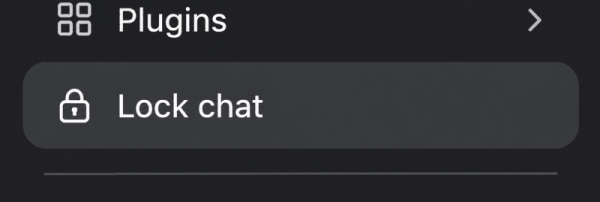
- Click or tap the three-dot menu (•••) next to the conversation.
- Select Lock chat and confirm your choice.
- If this is your first locked conversation, create a four-digit PIN.
- The conversation moves to the protected Locked Chats section.
The PIN is linked to your OpenAI account and can be used on all supported devices. You can also initiate new protected conversations directly from the Locked Chats section.
ChatGPT automatically restricts access after a period of inactivity. On mobile devices, locked chats are secured after one minute of inactivity in the protected section or with the app in the background. Users can also select ‘Lock now‘ to end access immediately.
What Happens If You Forget Your PIN?
There is one particularly important limitation: resetting a forgotten PIN permanently deletes all locked conversations. This includes files and information stored exclusively within those protected chats. OpenAI Support cannot restore any deleted content.
Users who still know their current PIN can change it under Settings > Security and login > Account PIN without losing their conversations.
Does PIN Protection Make ChatGPT Conversations More Secure?
Locked Chats provides an additional layer of privacy, particularly when sharing a device or screen with other people. However, OpenAI makes it clear that the feature does not provide end-to-end encryption or create a separate encrypted storage area.
Locking a conversation also does not change OpenAI’s data retention policies or the account’s existing settings for using conversations to improve AI models.
The feature does introduce separate memory handling. When Memory is enabled, new information remembered from locked conversations can be used within other locked chats without automatically appearing in regular ChatGPT conversations. However, information remembered before locking a conversation is not removed from regular Memory.
Certain conversation types cannot be locked, including temporary chats, archived chats, group conversations and chats containing scheduled tasks. Previously created shared links also remain accessible unless they are deleted separately.
Availability: Who Can Use Locked Chats?
According to OpenAI, the new privacy feature is being introduced across the following ChatGPT plans:
- ChatGPT Free, Go, Plus and Pro
- ChatGPT Business
- ChatGPT Enterprise and Edu
Locked Chats is supported on the web, in the iOS and Android apps, and in the new ChatGPT desktop applications for Windows and macOS. The rollout is gradual, meaning the Lock chat option may not appear immediately for every user.
With this update, ChatGPT finally offers a practical way to keep selected conversations out of sight without deleting them. While PIN protection does not replace proper account security or encryption, it is a useful improvement for anyone discussing personal, financial or work-related matters with ChatGPT.
This article is also available in German.